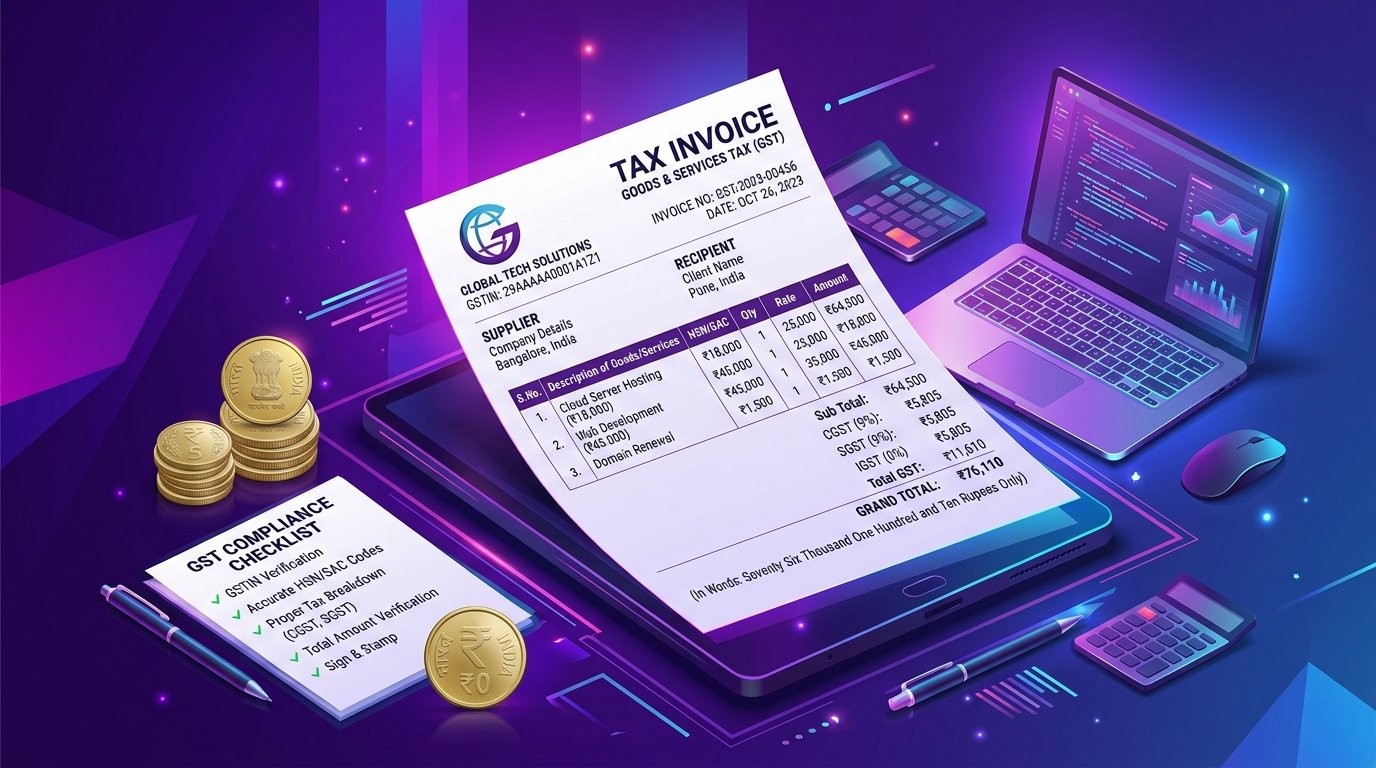
How to Send an Invoice via WhatsApp in India (Free 1-Click Method)

Step-by-step guide to sending a professional GST invoice to clients via WhatsApp in India. Use InvoBill's free WhatsApp invoice sender — no app download required.

Published May 10, 2026 18 min read E-E-A-T Verified
How to Send an Invoice via WhatsApp in India (Free 1-Click Method)

WhatsApp is India's primary business communication platform. Sending bills via WhatsApp achieves open rates over 95%.

1. 1-Click WhatsApp Invoicing Workflow

Generate your bill on InvoBill, embed your UPI payment QR code, and click 'Share to WhatsApp' to deliver PDF invoices directly to client chat windows.

2. Summary & Conclusion

Boost payment speed by sending invoices via InvoBill WhatsApp Sharing.

Agency Services • MaaJanki Web Tech

Need a Custom Website, Android App, or GST Registration?

Grow your business with MaaJanki Web Tech. We build high-converting websites, custom ERP software, mobile apps, and provide GST filing & CA consultations.

  • Custom Business Website & E-commerce Stores
  • GSTIN Registration & CA Tax Filing Support
  • Tailored POS & Desktop Billing ERP Solutions
Special Offer • Recommended Web Hosting

Launch Your Business Website with Hostinger (75% OFF + Free Domain)

Get ultra-fast cloud hosting, free SSL security certificates, business email accounts, and a free .com or .in domain for your store or company.

  • Free Domain Name & Unmetered SSL Security
  • Professional Business Email Accounts (@yourcompany.com)
  • 24/7 Priority Customer Support

Ready to Generate Your Free GST Invoice?

100% free, client-side privacy, instant PDF download with no watermark or sign-up wall.

Generate Free Invoice Now